

Related Games



About This Game
What Is Minecraft?
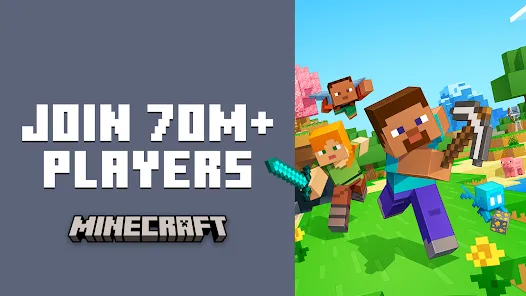
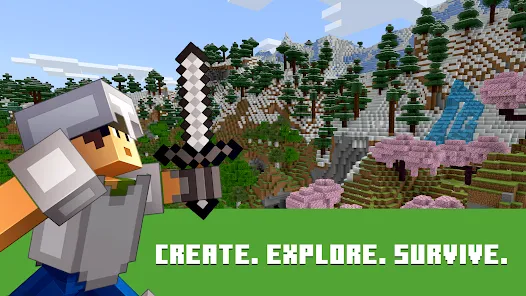
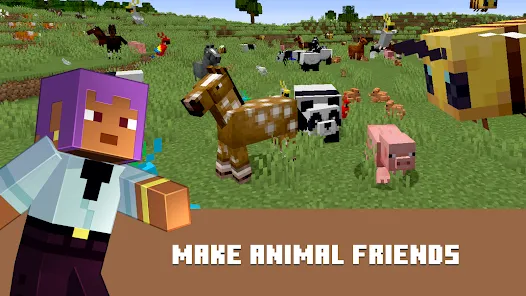
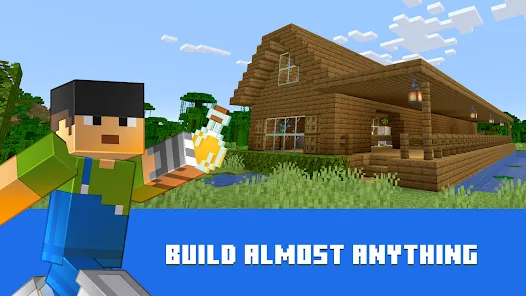
Minecraft is a sandbox game developed by Mojang Studios. Players explore worlds made of blocks, collect resources, craft tools, and build everything from small houses to elaborate cities.
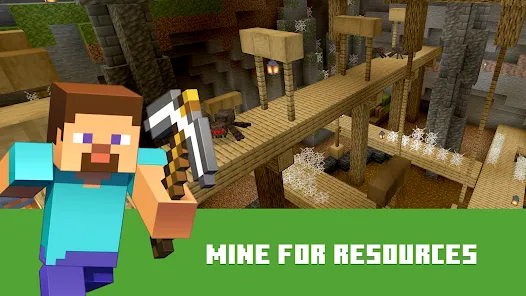
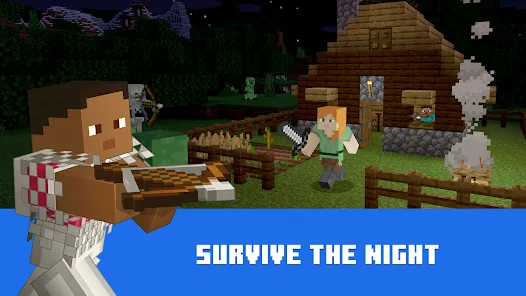
Survival mode challenges players to gather materials, manage health and hunger, and defend against hostile creatures. Creative mode provides building resources and flight, allowing players to focus on construction and experimentation.
Minecraft is available on computers, mobile devices, and consoles. Features, controls, and multiplayer compatibility vary by edition and platform.
Is Minecraft Free?
Minecraft is generally a paid game. Prices vary by platform, edition, and region. Limited trials are available for certain devices and editions.
Optional purchases include eligible Marketplace content and Minecraft Realms subscriptions. Some consoles also require a separate platform subscription for online multiplayer. Check the purchase details in your device’s official store.
How to Download and Install Minecraft?
- Open your device’s official application store or the official Minecraft website.
- Search for Minecraft and confirm the publisher information.
- Select the edition compatible with your device.
- Review the price and system requirements before purchasing.
- Download the game, complete installation, and sign in when required.
On Android, iPhone, and iPad, confirm that the app is published by Mojang. Downloading through official channels helps reduce the risk of unsafe or modified installers.
What Is a Minecraft Server?
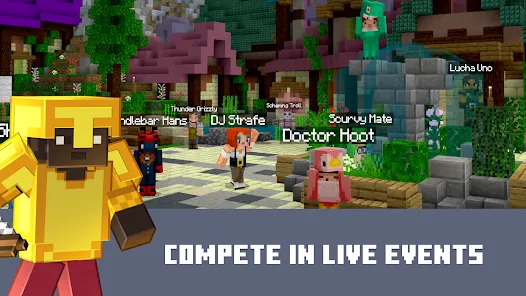
A Minecraft server hosts a world that multiple players can join. Servers can offer shared survival adventures, collaborative building, minigames, and other community experiences.
Players can run compatible server software, use a hosting provider, or subscribe to Minecraft Realms, Mojang’s private server service. A Realms subscription is optional and is not needed for single-player gameplay.
Java Edition and Bedrock Edition generally use separate multiplayer systems. Compatible Bedrock versions support cross-platform play, subject to account, network, and platform requirements.
Minecraft Features
- Creative building: Construct buildings and landscapes using different blocks.
- Survival gameplay: Gather resources, craft equipment, and face environmental challenges.
- World exploration: Discover biomes, caves, structures, and different dimensions.
- Creative mode: Experiment with readily available building materials and flight.
- Multiplayer options: Join supported local sessions, compatible servers, or Realms.
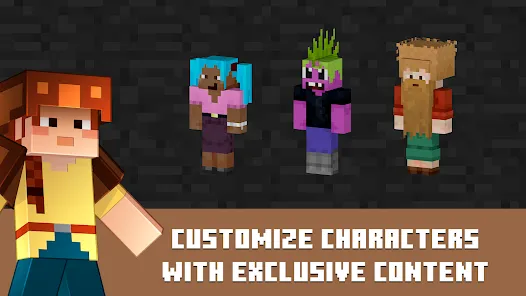
- Customization: Use skins, resource packs, mods, or add-ons where supported.
Pros and Cons
Pros
- Encourages creativity, exploration, and independent problem-solving.
- Offers different experiences through Survival and Creative modes.
- Supports individual projects and collaborative multiplayer activities.
Cons
- Crafting and game mechanics can take time to learn.
- Complex builds and modifications may affect performance.
- Edition differences can make multiplayer setup more complicated.
- Optional content and hosting services may involve additional costs.
Frequently Asked Questions
What is the difference between Java Edition and Bedrock Edition?
Java Edition runs on Windows, macOS, and Linux and has an extensive community modding ecosystem. Bedrock Edition runs on supported Windows devices, mobile devices, and consoles, with multiplayer across compatible Bedrock platforms. Worlds, purchases, and customization options are not universally interchangeable.
Can I play Minecraft offline?
Single-player worlds can generally be played offline after the necessary installation and account setup. Online multiplayer, Realms, and online content require an internet connection.
Is Minecraft suitable for children?
Age ratings vary by region. Parents should review the local rating and available controls for communication, multiplayer access, and purchases. Public servers may include user-created content and interactions beyond the base game.
Do I need Realms to play with friends?
No. Depending on the edition and platform, alternatives include local network play, supported friend invitations, and compatible servers.
Screenshots

Download Channels
Select your preferred store and confirm to continue the download.